Broadcast Without Creating Lists
Send to multiple contacts without broadcast list limitations
Install Free Chrome ExtensionHow to Send Messages Without Creating a Group or Broadcast List
Got an announcement to make? Or invitations to send? In this guide, we'll show you how to send messages to multiple contacts without creating a group chat or broadcast list.
Install WaWebM Chrome Extension
First, install the WaWebM Chrome extension from the Chrome Web Store. Click the Install Chrome Extension button.
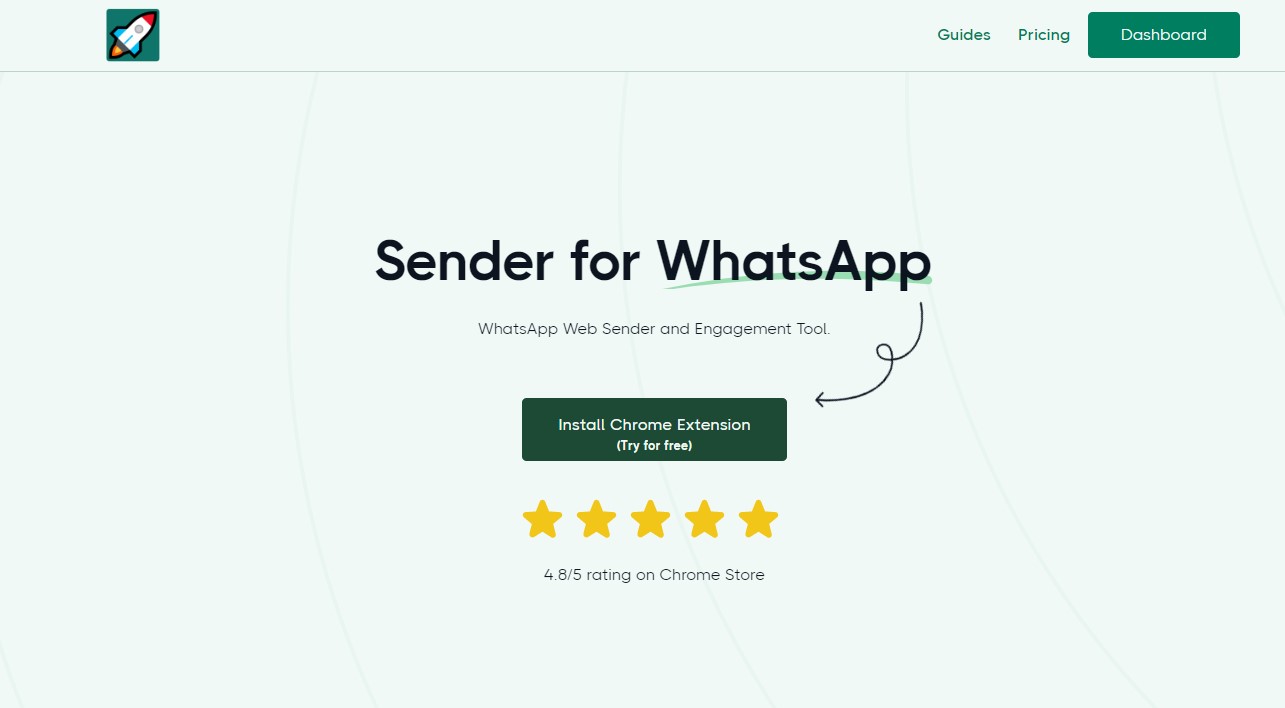
Screenshot showing the homepage where you can install the Chrome extension.
Open WhatsApp Web
After installation, go to web.whatsapp.com. Click the Sender button on the top left corner to open the WaWebM pane on the right side of your screen.
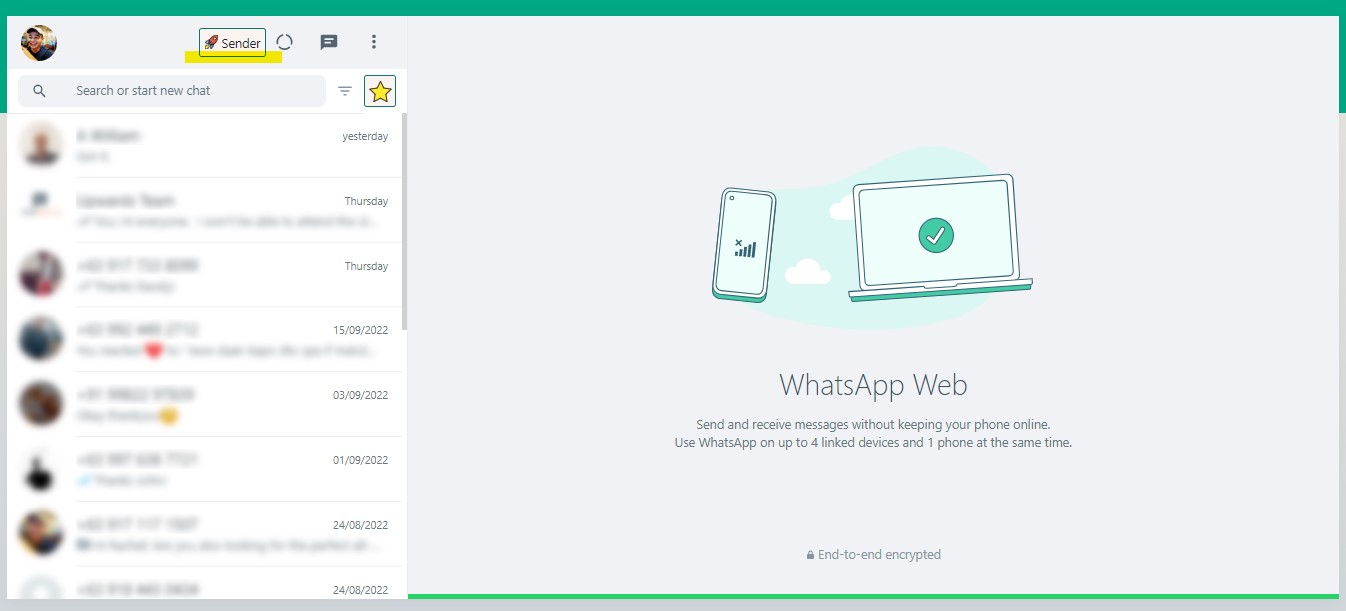
Screenshot showing where to click to open the WaWebM panel.
Option 1: Add Phone Numbers Directly
You can directly paste numbers in the Phone Numbers field. Use either comma or new line to separate numbers. Enter your message and click Send WhatsApp.
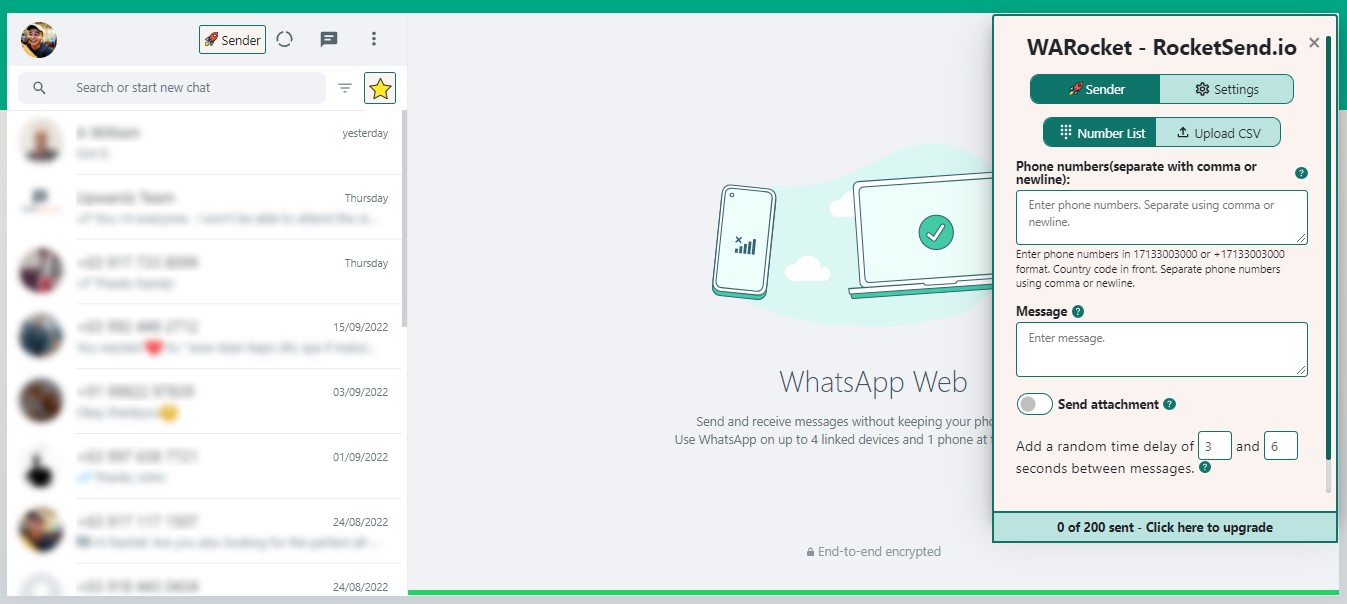
Screenshot showing where you can add numbers separated by comma or newline.
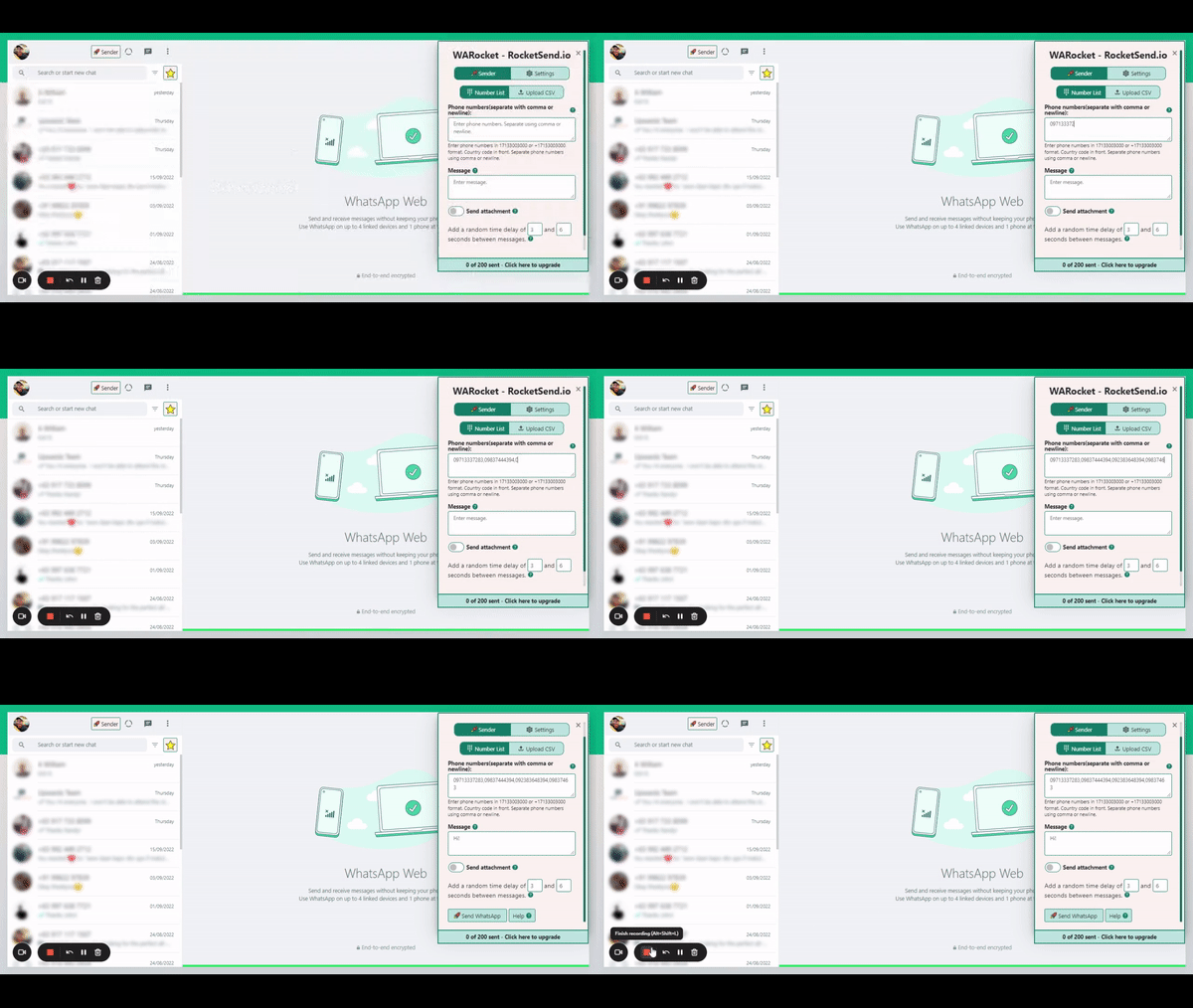
GIF showing phone numbers being added.
Option 2: Upload a CSV File
Organize your contacts in MS Excel or Google Sheets with phone numbers and names columns. Save as CSV format, then click the Upload CSV button in the WaWebM pane.
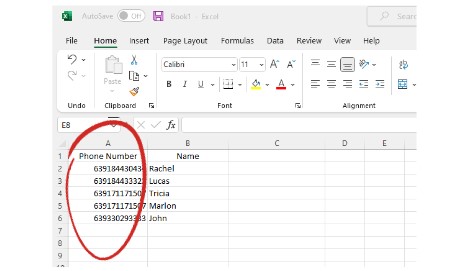
Screenshot showing a CSV file with phone numbers.
Send Your Messages
Select your CSV file, map the phone number column, enter your message, and click Send WhatsApp. Each person receives a personal, individual message - not a group message.
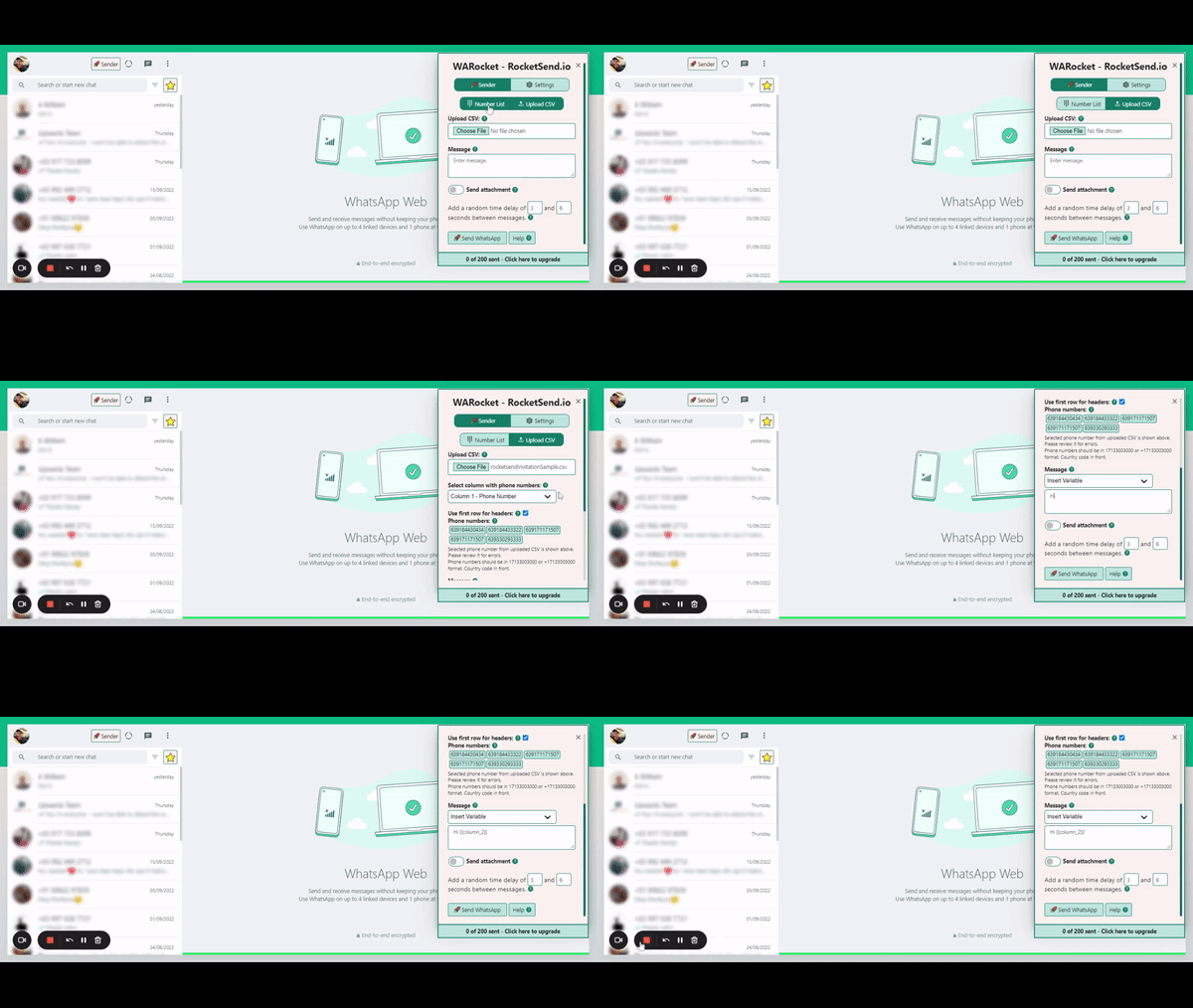
GIF showing how to upload CSV and select the phone number column.
Why Use This Feature?
Bypass WhatsApp's broadcast list restrictions. Send individual messages to multiple people at once.
No List Required
Recipients don't need to save your number.
Personal Messages
Appears as 1-on-1 chat, not a broadcast.
100% Delivery
Messages reach everyone, not just saved contacts.
Flexible Targeting
Send to any custom segment without list setup.
Complete WhatsApp Messaging Features
Experience the most comprehensive AI-powered WhatsApp messaging solution with enterprise-grade features and intuitive design
AI Message Rewrite
Transform your messages with AI-powered rewrite technology. Choose from professional, friendly, urgent, or casual tones to optimize engagement with WaWebM's advanced AI.
AI Content Generation
Generate compelling messages from simple prompts using WaWebM's AI content assistant. Create professional, engaging content in seconds.
CSV Contact Upload
Upload your contact list from Excel or CSV files and send personalized messages to thousands of contacts simultaneously with WaWebM's advanced messaging capabilities.
Message Personalization
Customize messages with recipient names, company information, and any custom fields from your contact list using WaWebM's personalization engine.
Quick Chat Snippets
Save and quickly access your most commonly used messages with WaWebM's advanced snippet system for improved efficiency.
Privacy Protection
Keep your messages private with blur view, unread message highlights, and other privacy features built into WaWebM for enhanced security.
Send Without Adding Contact
Send WhatsApp messages to any phone number without saving it to your contacts first. Perfect for one-time messages and customer support.
Attachment Sending
Send images, PDFs, documents, and other files to multiple contacts at once. Great for sending catalogs, invoices, or promotional materials.
Chrome Extension
Works seamlessly with WhatsApp Web as a Chrome extension. No separate app or login required - everything works right in your browser.
Conclusion
Save yourself from the hassle of setting up group chats or broadcast lists with WaWebM's lightweight capabilities. Now you can send customized engagement or business announcements without doing things manually.
Want to know more? Check out our guide about how to send WhatsApp from an Excel sheet. You can also learn how to send messages without saving the contact.